70 original critters
Cats, frogs, foxes, owls, cacti, teacups, robots, wizards, and more. Browse or search six categories: Animals, Birds, Plants, Expressions, Objects, and Sky & Magic.
Windows personalization
Small icons & big personality.



Give your Windows folders tiny roommates. Choose from 70 original critters, let new Desktop folders welcome one automatically, or bring your own artwork. Private, playful, and easy to undo.
A sleepy moon on your homework. A capybara on your tax returns. A dragon guarding your game saves. FolderCritters turns identical yellow folders into a little neighbourhood, with a familiar face for everything you want to find.
Designed for: Windows 11
Download links will be added when available.
Meet FolderCritters
App previews with demo folders.
Select an image to see it at full size.
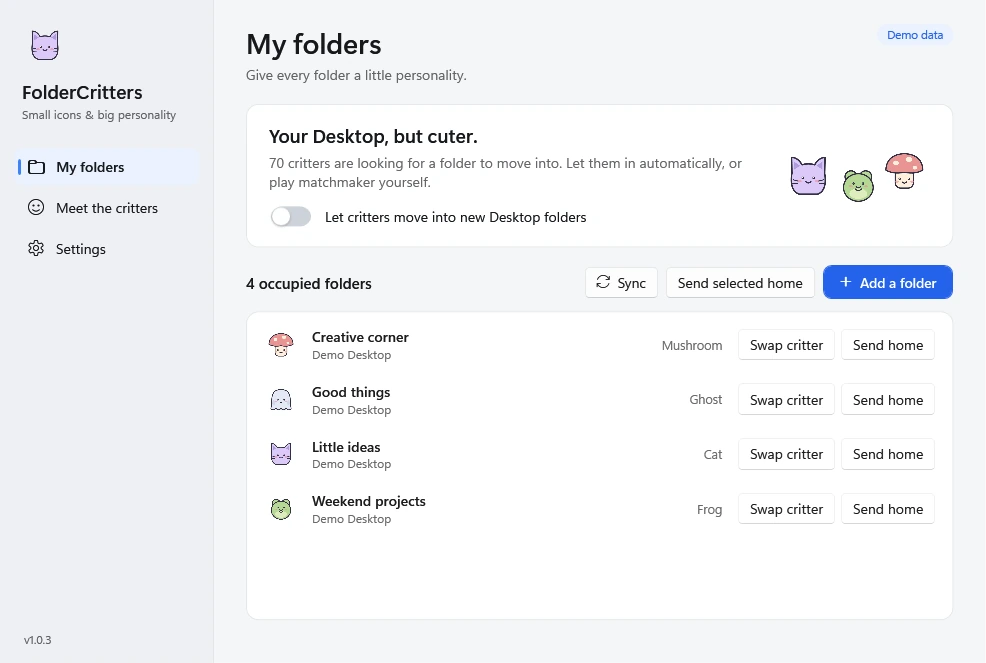
A familiar face for your folders. Pick a critter, swap it, or send it home.
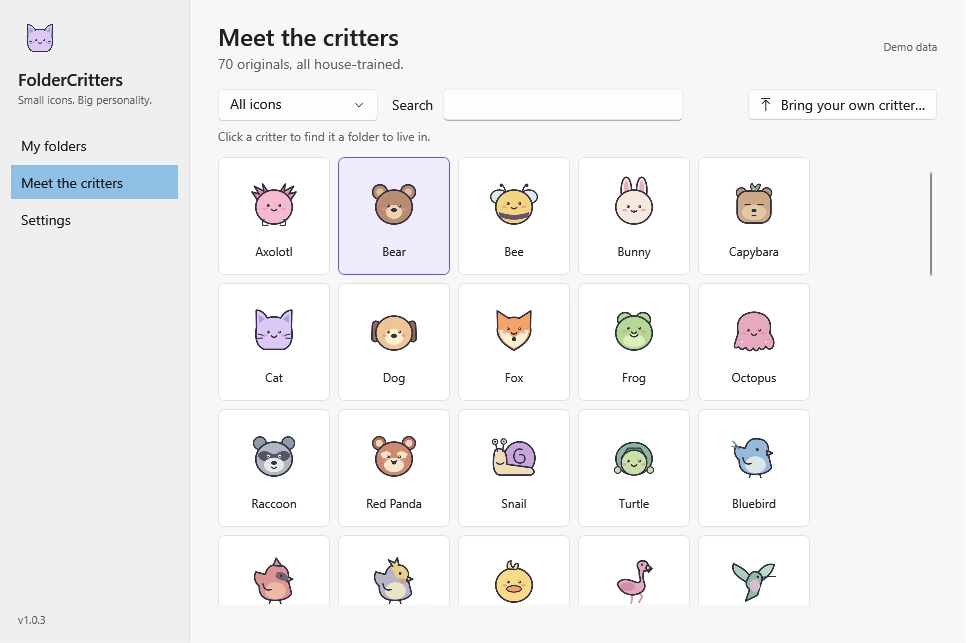
Browse the collection and find someone who feels right at home.
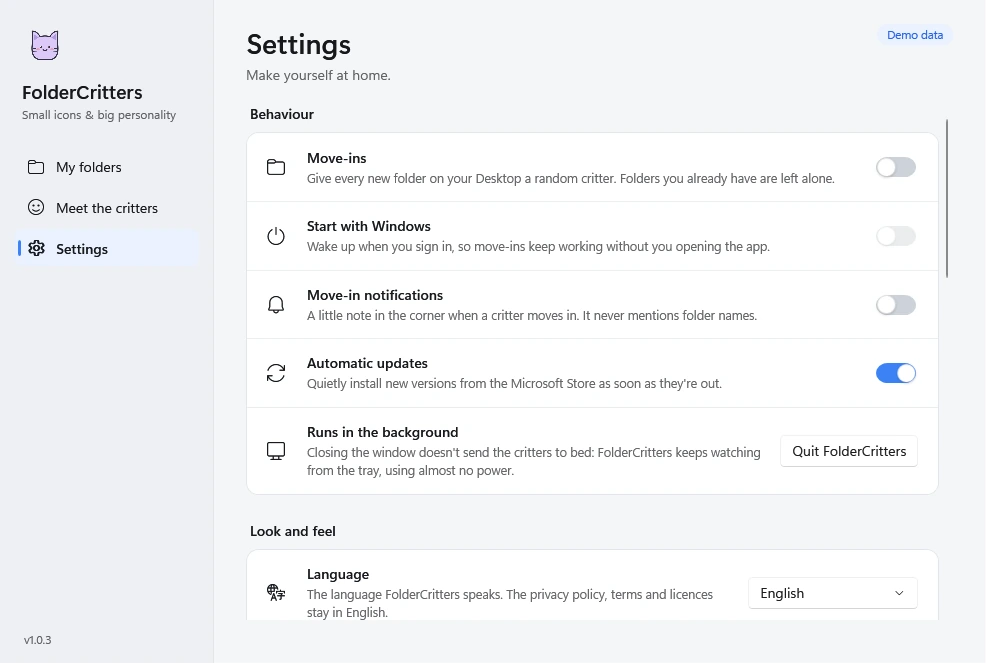
Choose how FolderCritters fits into your day, from move-ins to language.
A little personality, everywhere
Cats, frogs, foxes, owls, cacti, teacups, robots, wizards, and more. Browse or search six categories: Animals, Birds, Plants, Expressions, Objects, and Sky & Magic.
Switch on move-ins and new Desktop folders welcome a random critter automatically. No repeats until all 70 have found a home. Existing folders and custom icons stay as they are.
Choose a folder, pick a critter, and give it a little personality. Swap critters whenever you like.
Import PNG, JPEG, BMP, ICO, or SVG files. Your logo, pet photo, or original artwork becomes a crisp folder icon, converted entirely on your PC.
Send a critter home to restore a folder’s previous icon. Undo one folder, a selection, or all of them at once. Other apps’ icon changes are respected.
After a reinstall, a new PC, or a restored backup, Sync finds folders still wearing a critter, brings them back into the app, and repairs missing pictures.
FolderCritters waits in the system tray and picks up where it left off after sleep or a restart, staying out of your way until a new folder appears.
Switch instantly between English, Español, Français, 简体中文, हिन्दी, and العربية. Arabic includes a full right-to-left layout.
Native Fluent design, light, dark, and high-contrast support, keyboard navigation, and screen reader labels. Familiar Windows details, with a friendlier face.
Changes are recorded before they happen and protected by rolling safety copies. Before removing the app, use its uninstall option in Settings to send every critter home or let them stay.
Privacy, built in
Your folders, your critters, your PC. FolderCritters runs locally without an account, tracking, advertising, or analytics.
Read the app privacy detailsMake yourself at home
Seventy critters are packed and ready to move in.
Download links will be added when available.